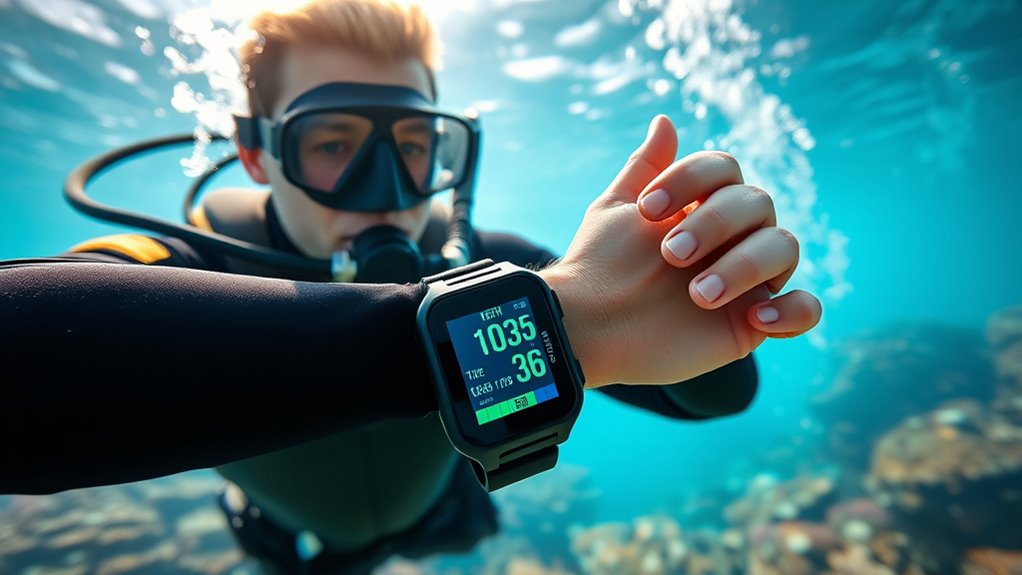

Using a dive computer means you need to understand its data for a safe dive. Pay attention to the depth indicator and make certain you monitor your ascent rate. Keep an eye on no-decompression limits to avoid decompression sickness. Track your air supply and analyze your dive profile afterward to improve future dives. Familiarizing yourself with the computer’s functions will enhance your experience. There’s more to explore about optimizing your dive outings!
Key Takeaways
- Monitor real-time depth readings to maintain safe diving practices and avoid exceeding planned depths.
- Pay attention to ascent rate warnings to adjust your ascent speed and prevent rapid ascents.
- Review your dive profile post-dive to analyze depth and duration at various levels for performance improvement.
- Utilize no-decompression limits to plan safe dive durations based on your depth and gas type.
- Familiarize yourself with your dive computer’s manual and practice using it in controlled settings before actual dives.
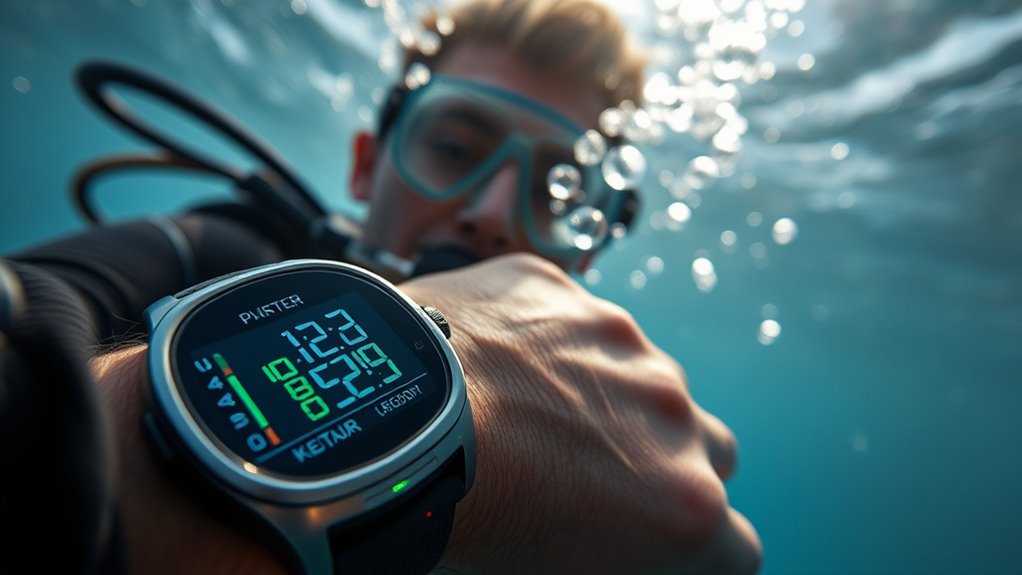
Using Dive Computers
When you dive, having the right tools can make all the difference, and a dive computer is one of the most essential gadgets you can use. It not only enhances your diving experience but also guarantees your safety. One key feature of a dive computer is its ability to provide real-time depth monitoring. This means you can constantly keep track of how deep you are, which is crucial for avoiding decompression sickness. The computer will alert you if you exceed your planned depth, helping you stay within safe limits.
Understanding how to read and interpret the data displayed on your dive computer is vital. As you descend, you’ll notice the depth indicator changing, giving you a continuous readout of your current depth. This feature helps you gauge how long you’ve been underwater and how far you’ve gone. Most dive computers also display ascent rates, which are critical for safe ascents. If you ascend too quickly, the computer will warn you, allowing you to make adjustments as needed.
Understanding your dive computer’s data is crucial for safety, tracking depth, and managing ascent rates effectively.
Gas management is another essential function of dive computers. They help you monitor your remaining air supply, giving you a clear picture of how much gas you have left and how long you can continue your dive. You’ll find that many models can even calculate your no-decompression limits based on your current depth and the type of gas you’re using. This allows you to plan your dive time effectively without risking safety.
As you dive, your computer will also track your dive profile, which includes depth and time at each depth level. This data is invaluable for planning future dives and understanding your dive history. After your dive, reviewing this information can provide insights into your air consumption patterns and help you improve your diving techniques.
Don’t forget that familiarity with your dive computer is key. Take the time to read the manual and practice using it before your dive. This way, you’ll be comfortable mastering its features when you’re underwater. Knowing how to interpret the dive computer’s data will help you make informed decisions, enhancing your overall diving experience. Additionally, understanding no-decompression limits will further ensure that you dive safely without exceeding your limits.
Frequently Asked Questions
Can I Use a Dive Computer for Snorkeling?
Yes, you can use a dive computer for snorkeling, but it might not be necessary. Dive computers offer features like depth tracking and time monitoring, which can be useful if you’re diving deeper. However, for casual snorkeling, simpler devices or even a watch may suffice. Just be aware of the snorkel depth and your time underwater. If you’re planning to explore deeper, a dive computer’s snorkeling compatibility can enhance your experience.
How Do I Reset My Dive Computer?
To reset your dive computer, first, verify you’ve replaced the battery if it’s low. Then, power on the device and navigate to the settings menu. Look for the reset option, which may be labeled as “factory reset” or similar. Follow the prompts to confirm the reset procedure. Make sure to check your user manual for specific instructions, as each model can vary slightly in the reset process.
What Batteries Do Dive Computers Use?
Dive computers typically use lithium-ion or lithium primary batteries. These battery types provide a reliable power source, ensuring your device lasts through multiple dives. Lithium-ion batteries can be rechargeable, while lithium primary batteries offer longer power source longevity but need replacement once drained. Always check your dive computer’s specifications for the exact battery type required, as using the wrong one can affect performance and your overall diving experience. Keep an extra battery handy!
Can I Dive Without a Dive Computer?
Yes, you can dive without a dive computer, but it’s risky. You’ll need to rely on tables and your own calculations, especially for altitude diving, which requires precise planning. Without a dive computer, you’ll miss out on real-time data monitoring. Just remember to keep up with dive computer maintenance if you decide to use one in the future; it’s essential for safe diving practices and accurate depth and time tracking.
How Often Should I Update My Dive Computer’s Software?
Think of your dive computer as a trusty ship; it needs regular maintenance to sail smoothly. You should update your dive computer’s software at least once a year or when the manufacturer releases firmware upgrades. Staying current not only ensures you have the latest features but also enhances safety. Regular software updates can help you avoid glitches, keeping your dives as enjoyable as a gentle sea breeze. Don’t let outdated tech weigh you down!
Conclusion
In the end, you might think dive computers do all the work for you, but they’re really just your trusty sidekick. Sure, they crunch the numbers and track your depth, but it’s up to you to interpret that data and make smart choices underwater. So, while you’re busy marveling at the ocean’s wonders, remember that your dive computer won’t save you if you forget to pay attention. Ironically, it’s your awareness that’s the true lifesaver.